Feel a tempo, put the idea down, and it’s already looping. Stack your layers. Write the words, fill in the chords and hit export. One sitting, one app and you’re writing your next song.
Coming soon to the App Store
The 4am problem
Ideas don’t wait. At best they resurface.
Voice memos will record your idea, but you can’t build on a memo. A DAW will build it, but by the time the session’s open, the spark has moved on.
Songwriting is the missing middle — quick as a memo, and providing enough tools to write a song.
Loop & Layers
Play it through once and it starts looping.
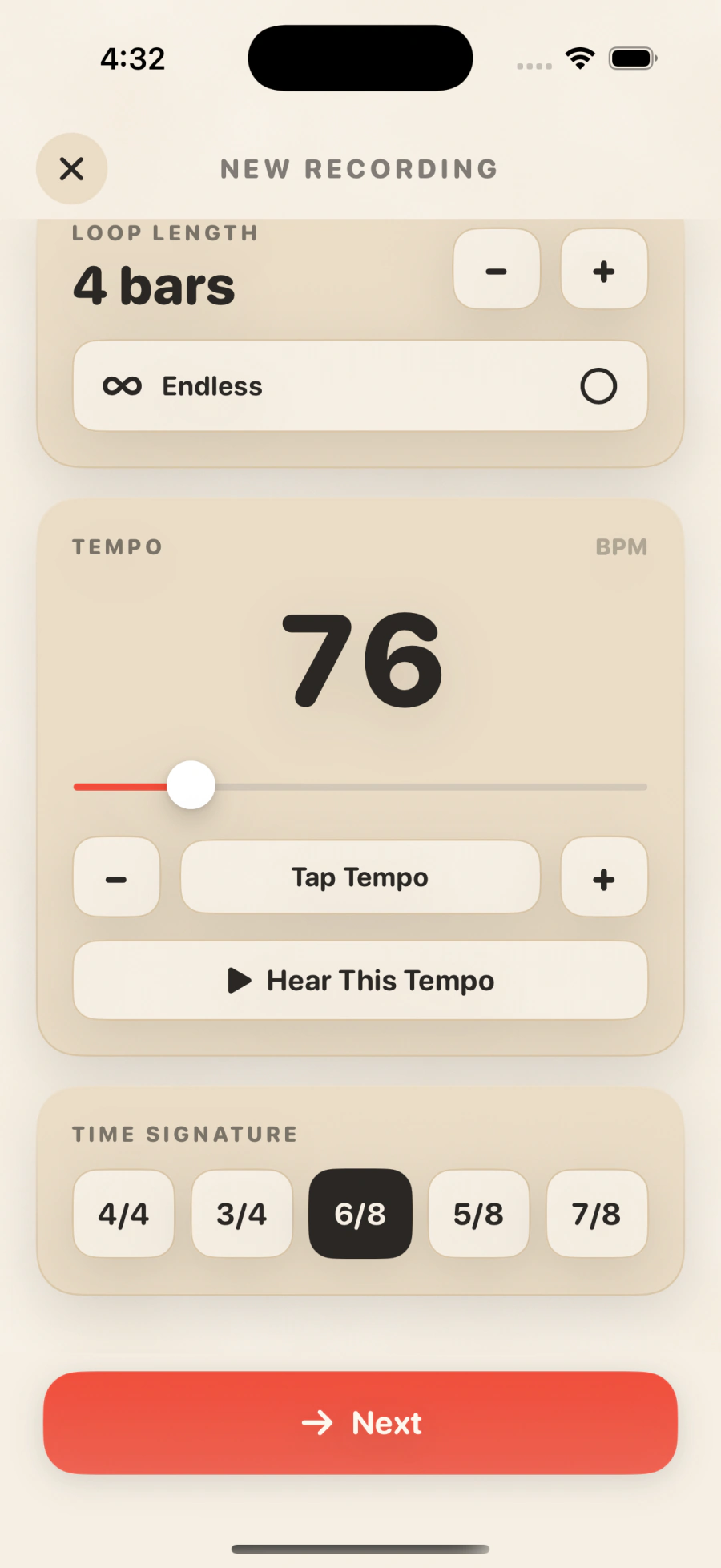
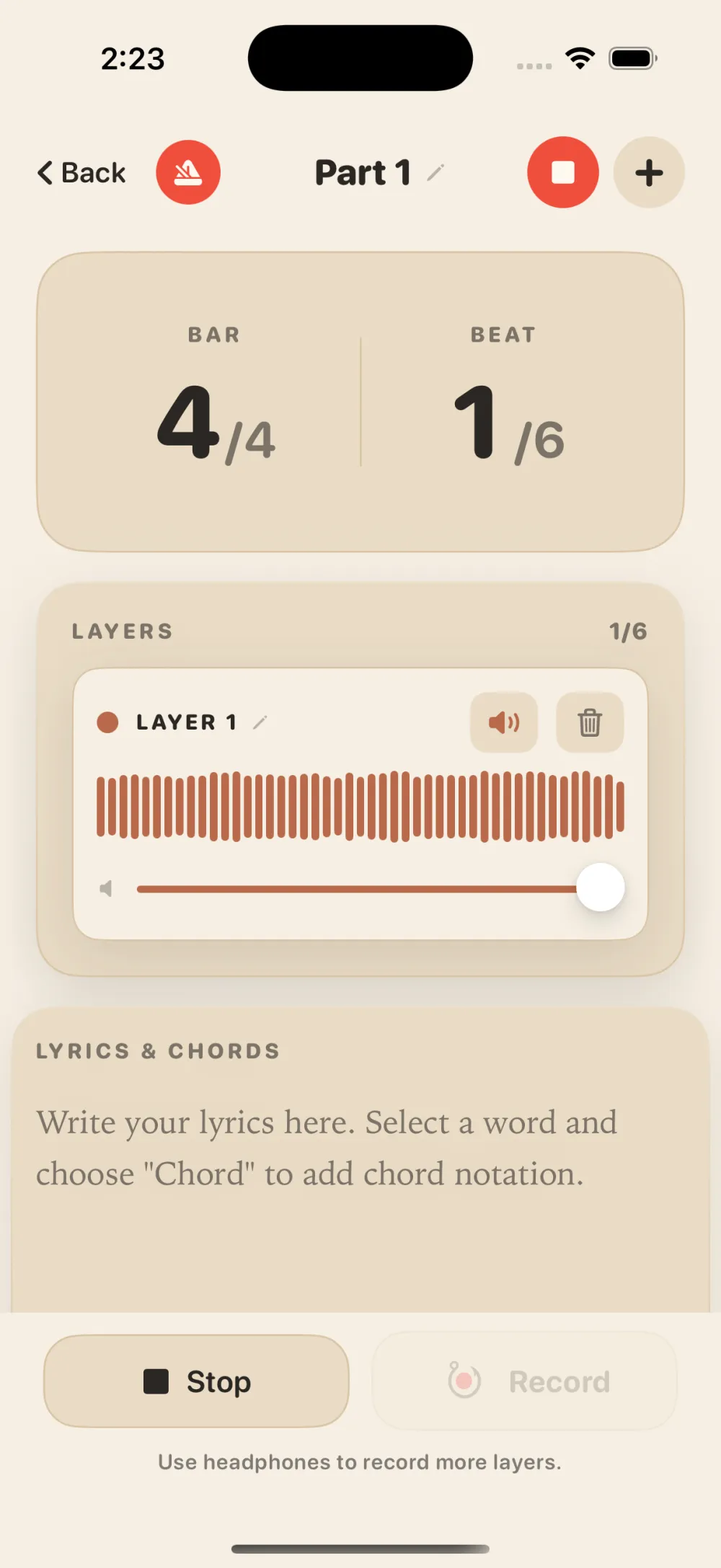
Put on your headphones and pick out your tempo and time signature: 4/4, 3/4, 6/8, 5/8, 7/8. Songwriting counts you in, you put the idea down, and the loop is going right when you play, sing, or say your part.
Not one for counting bars? Go Endless — just record until you’re done. Trade the bar counter for a plain clock if you like. The musical stuff is all still there; it just steps out of the way.
-
Set the feel
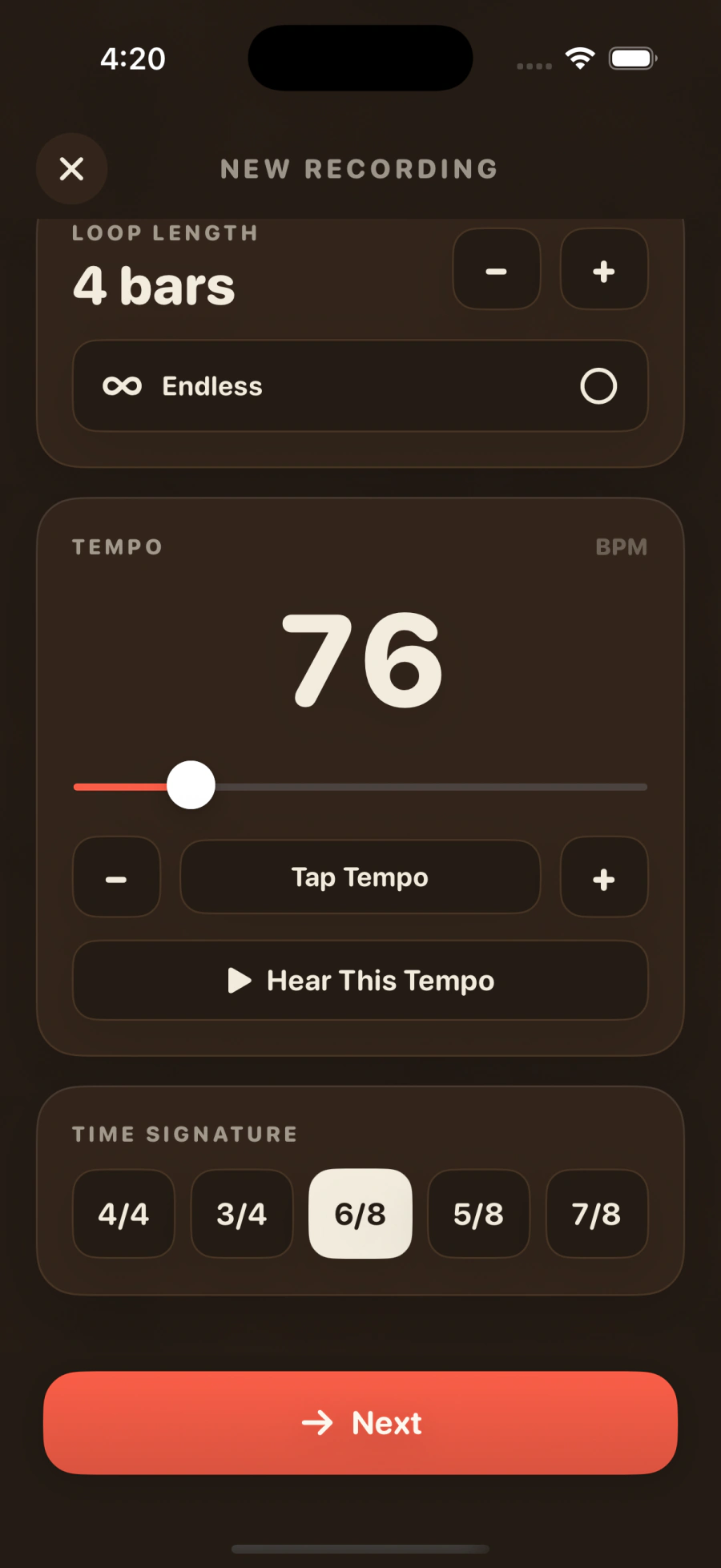
Tempo, time signature, bars — or Endless, when you’d rather just hit record and go — and a “hear this tempo” button so you can trust it before you commit.
-
Get counted in
Four beats, an accent on one, and you’re rolling. The moment you finish, it loops.
-
Stack your layers
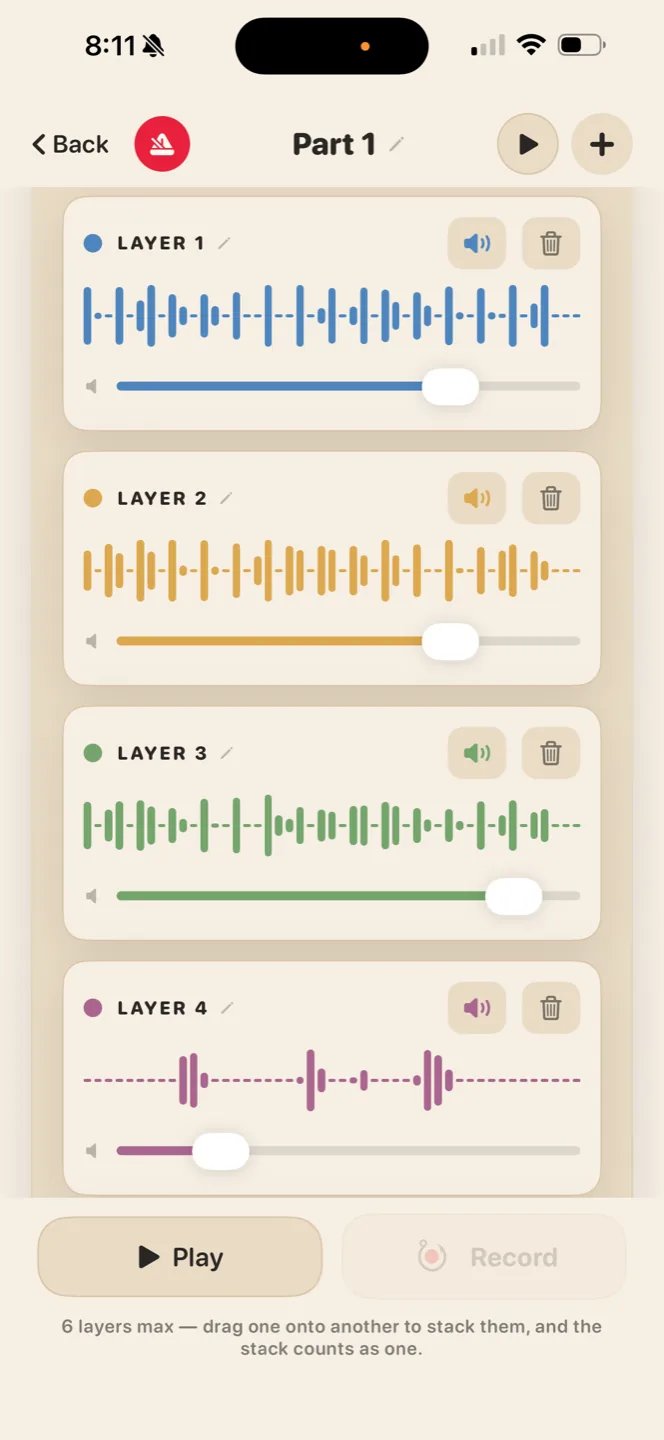
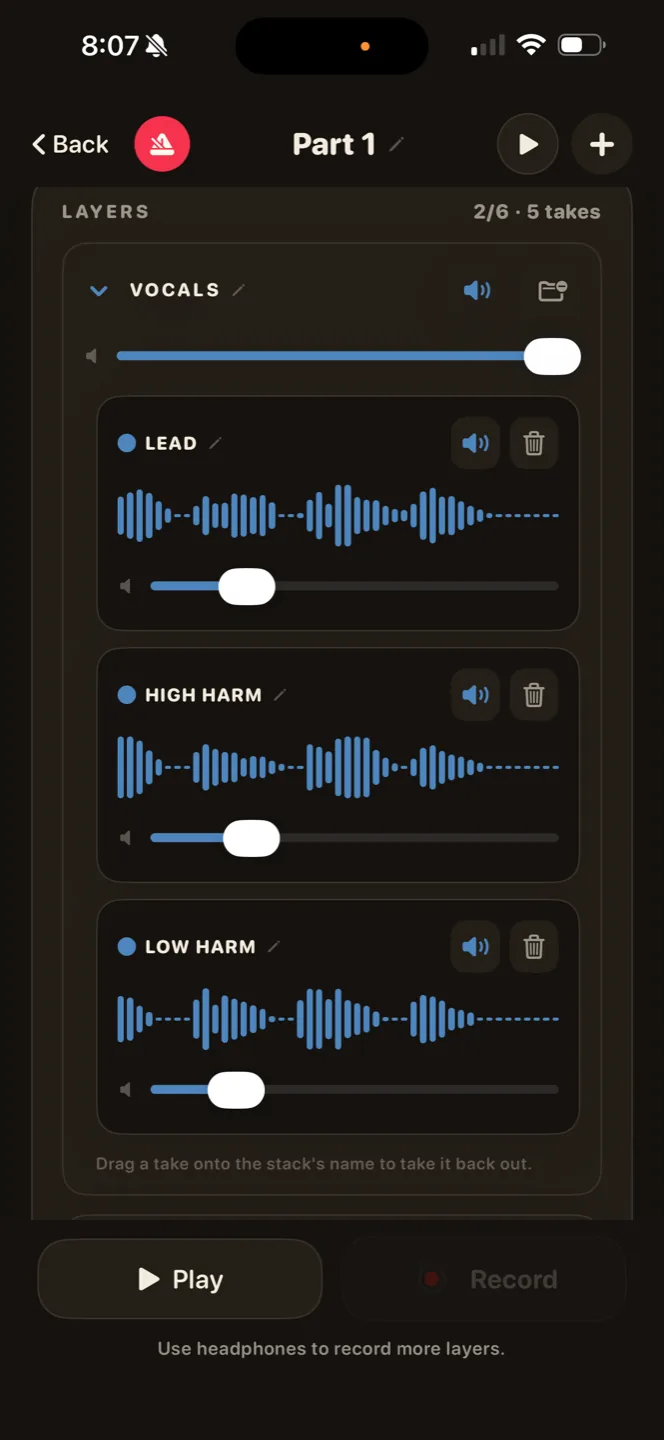
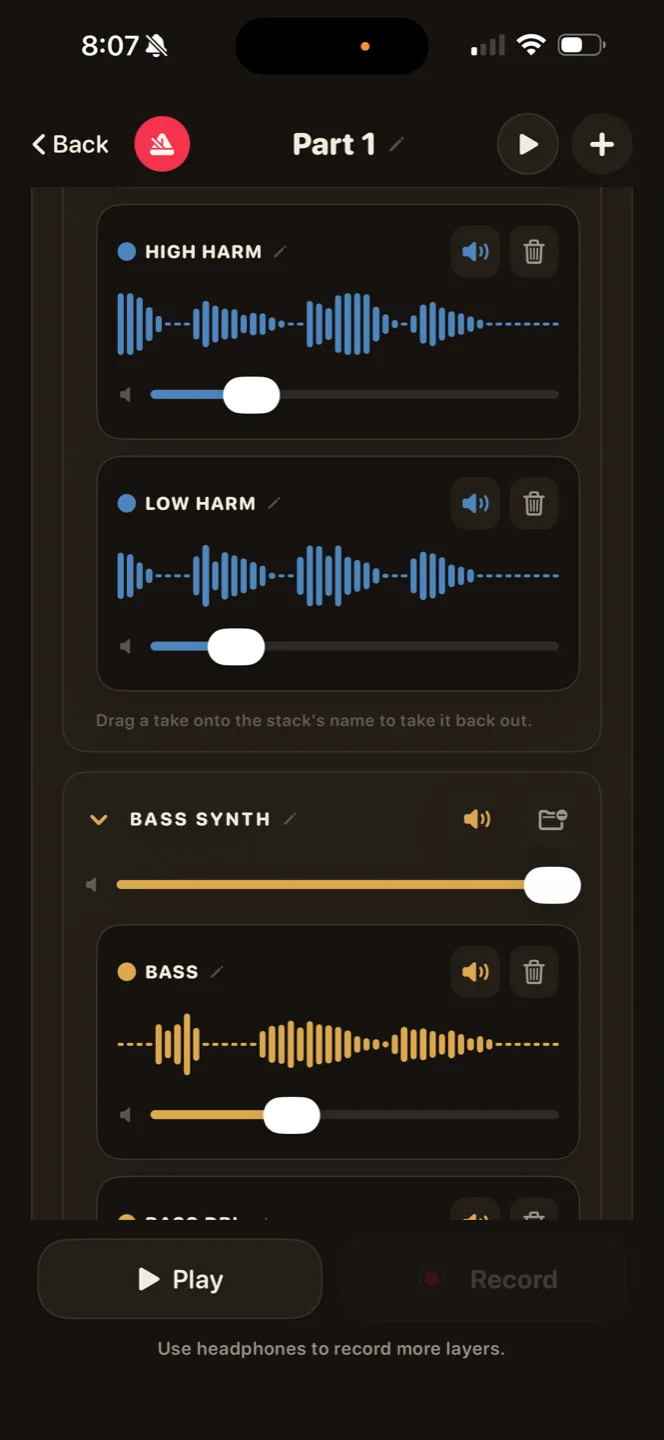
Layer up to 6 layers per stack on headphones, each with its own waveform, volume, mute, and name. Group the stacks. Keep writing new parts.
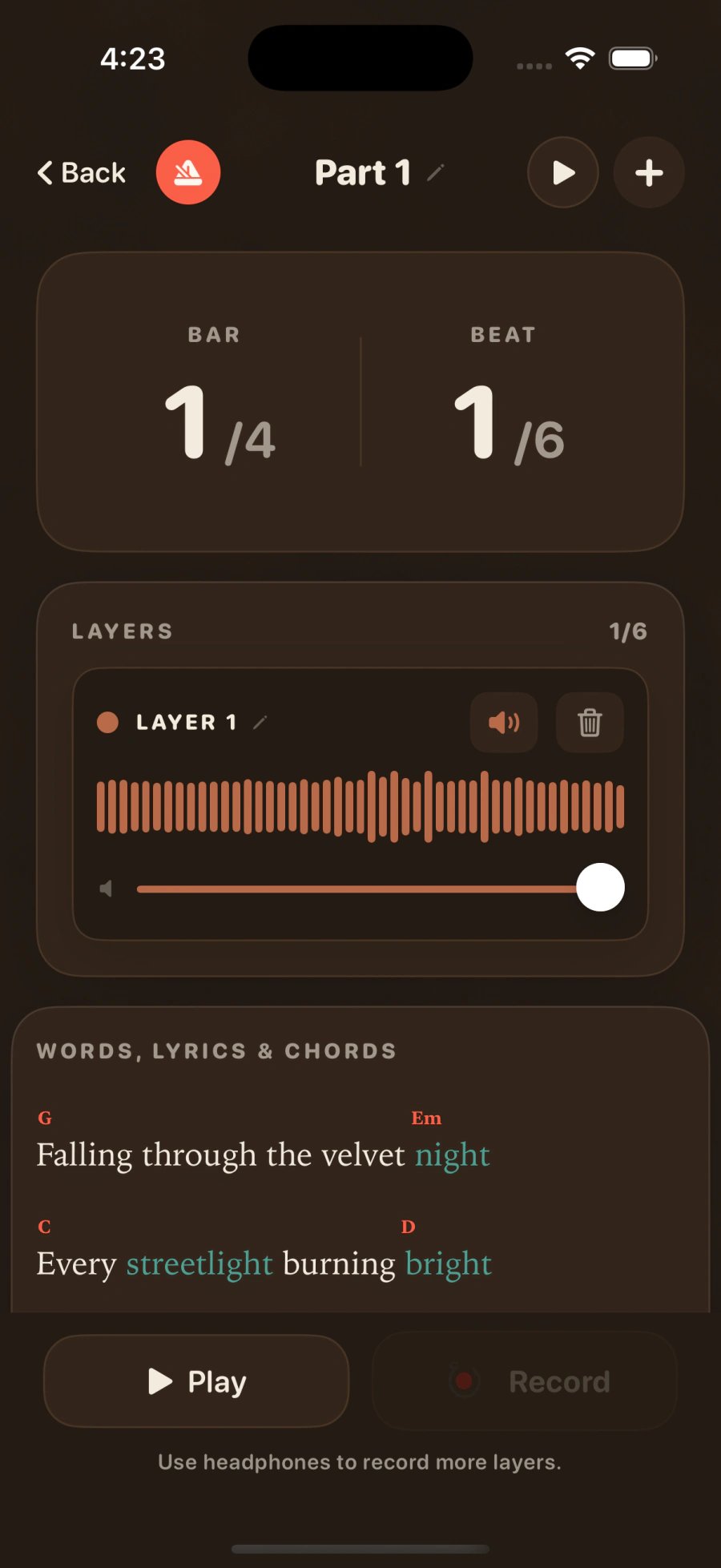
Words, lyrics & chords
Write your words in rainbows.
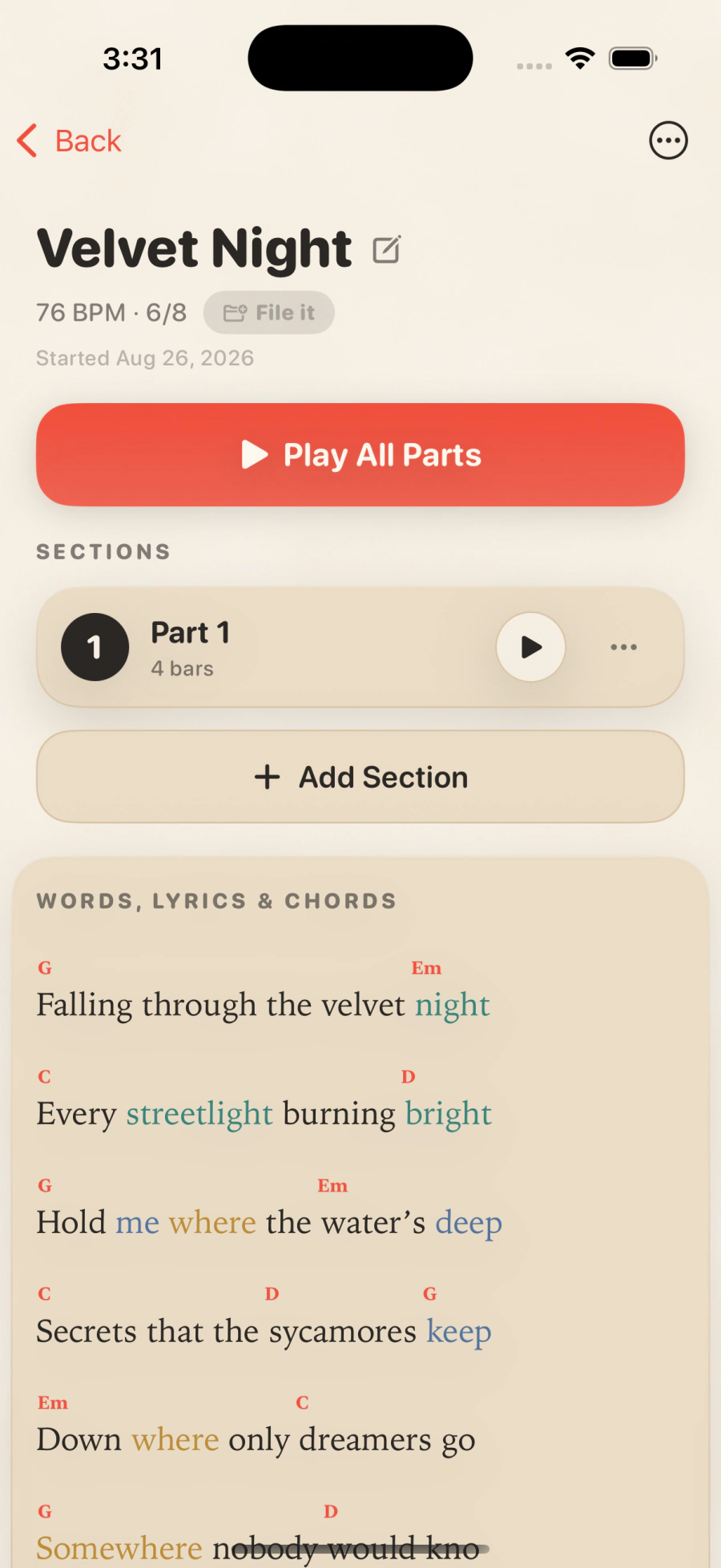
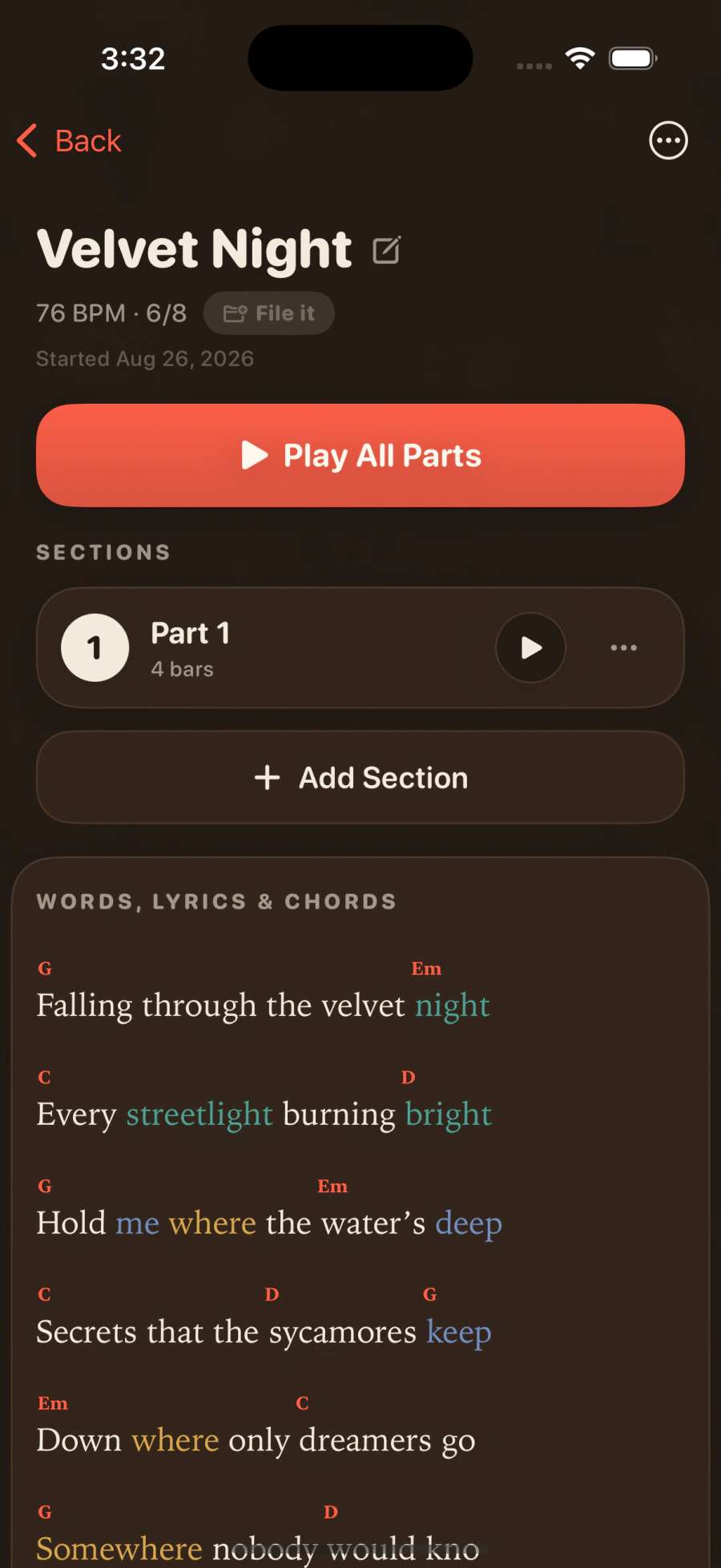
As you type, rhymes find each other, matched by sound, not spelling, so the slant rhymes count too. Each rhyme family takes a color, and you can see the shape of a verse the way you’d hear it. And when you want them, chords go right over the words — letter or Roman numeral, whichever way you prefer. Export your song to take to any gig or keep for your own records.
Velvet Night
This box is live. Add a line, watch the rhymes find each other.
The part we needed to solve
Your layers loop in time. On any headphones.
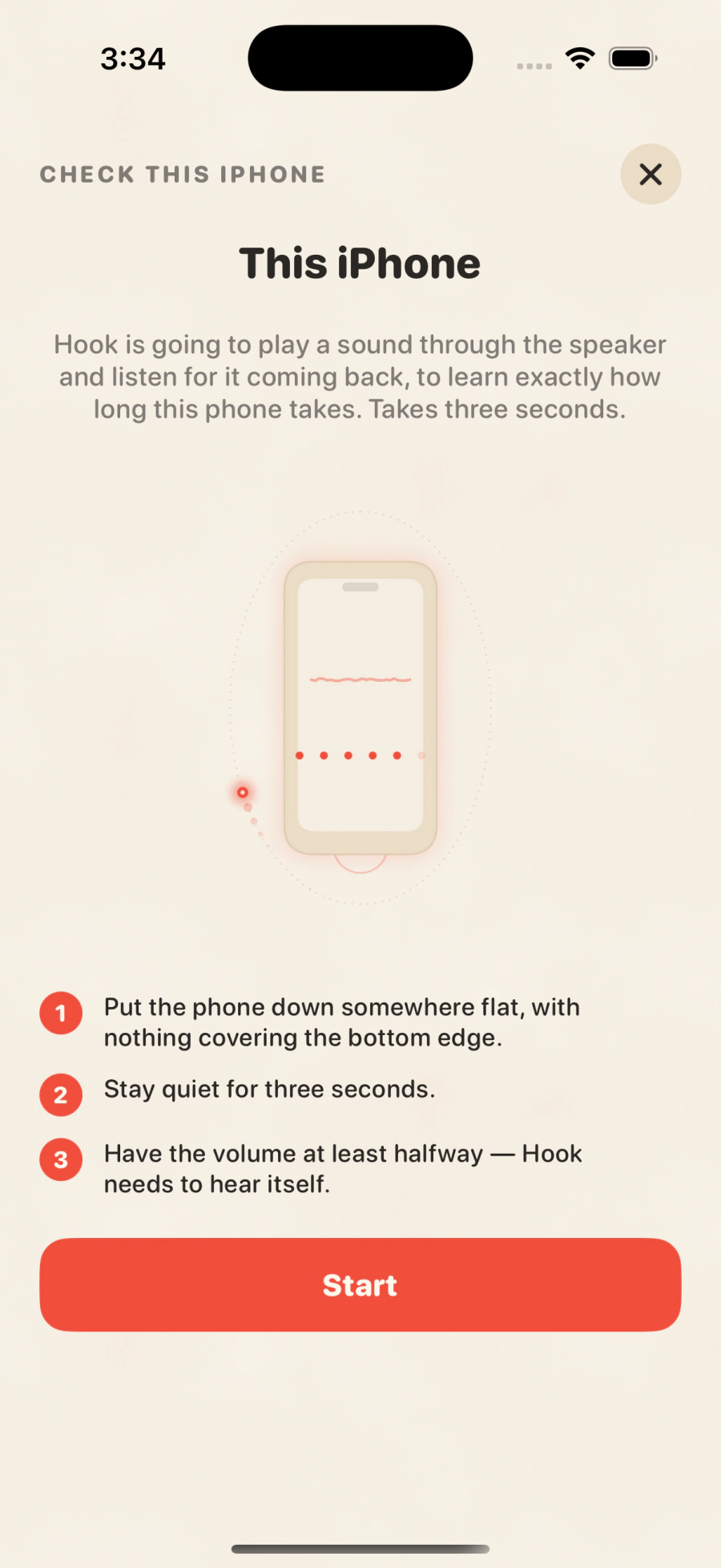
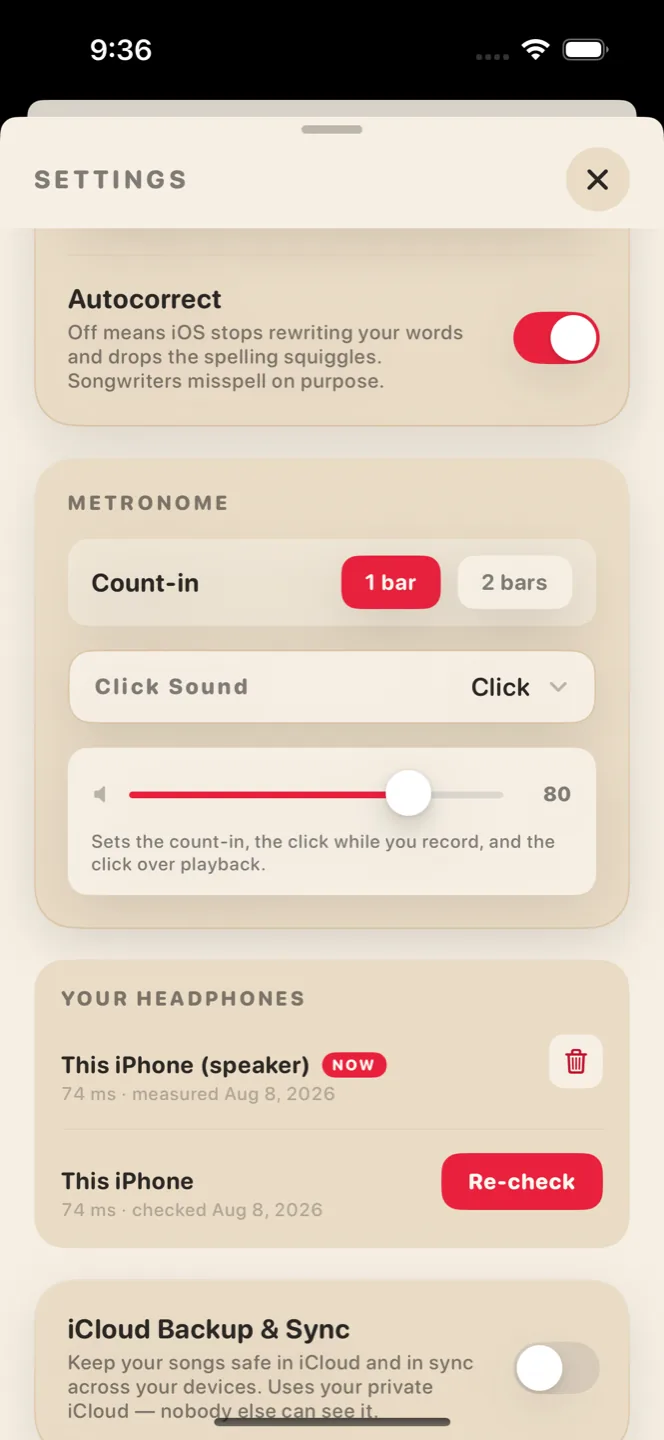
Here’s the quiet problem with recording on a phone mic with Bluetooth headphones: latency, something any recording engineer fears. Most apps ignore it, and your looped layers drift late. Songwriting listens instead. The first time you record with a new pair of Bluetooth headphones, it plays a small sound and listens for it to come back. It remembers each pair forever. It doesn’t guess, it’s smarter than that.
74 ms
You’re set.
Done in seconds and you only gotta do it once.
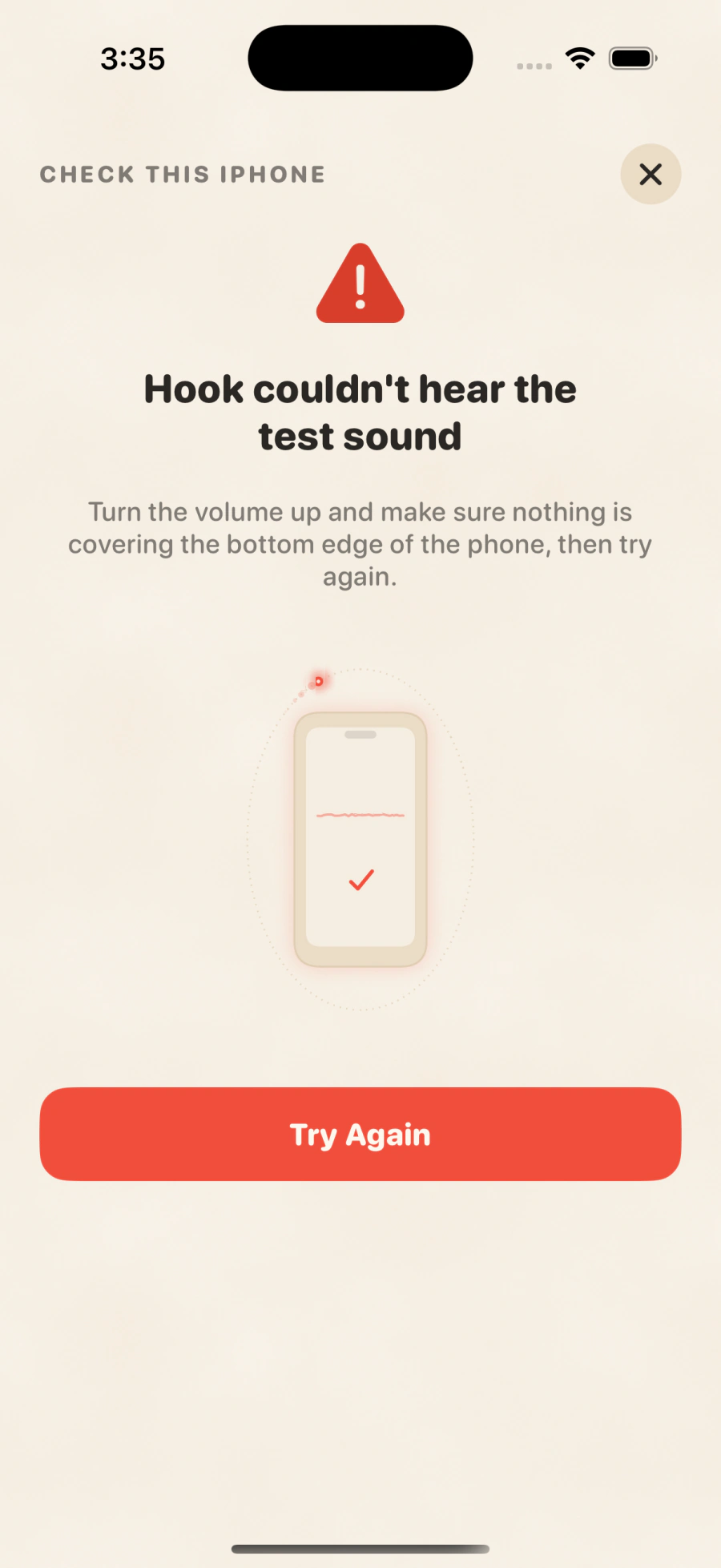
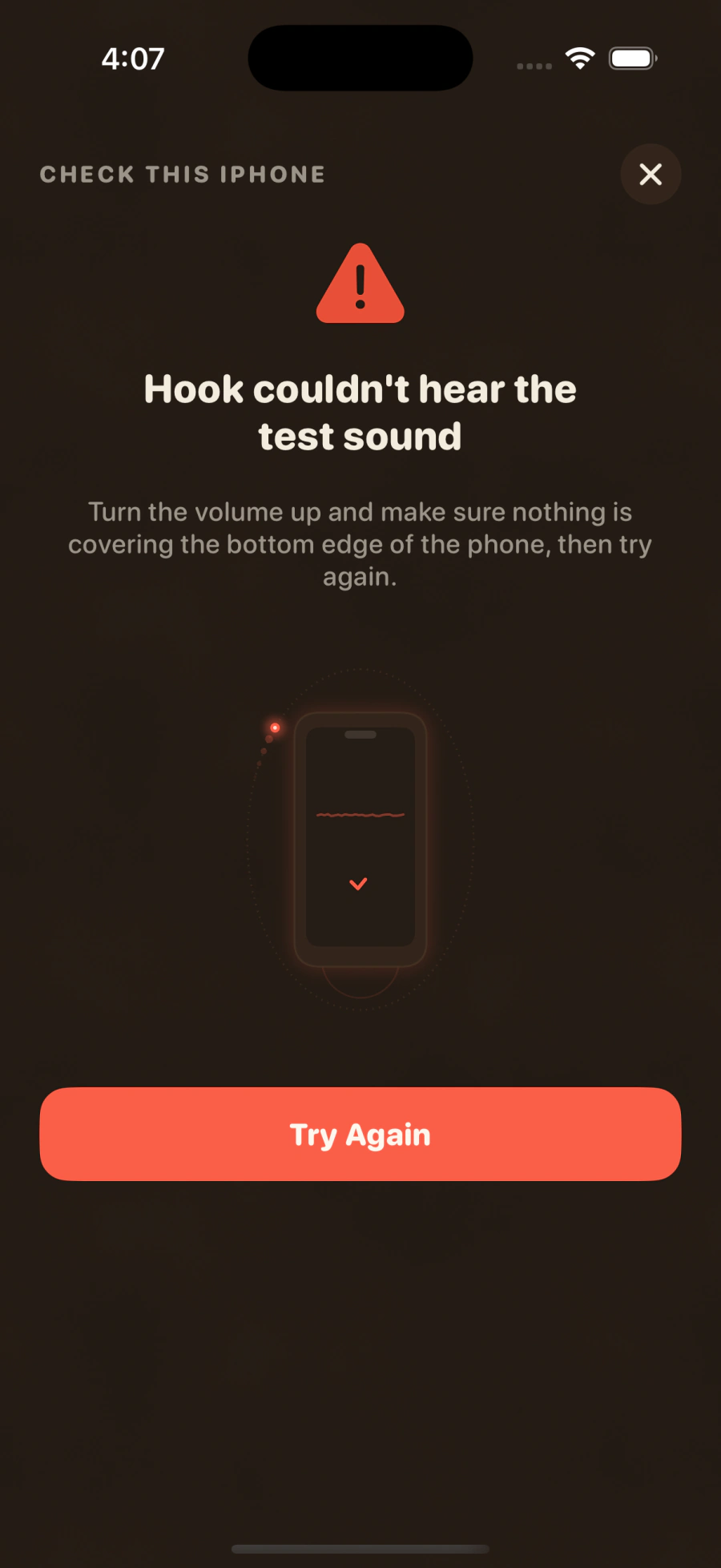
Light or dark
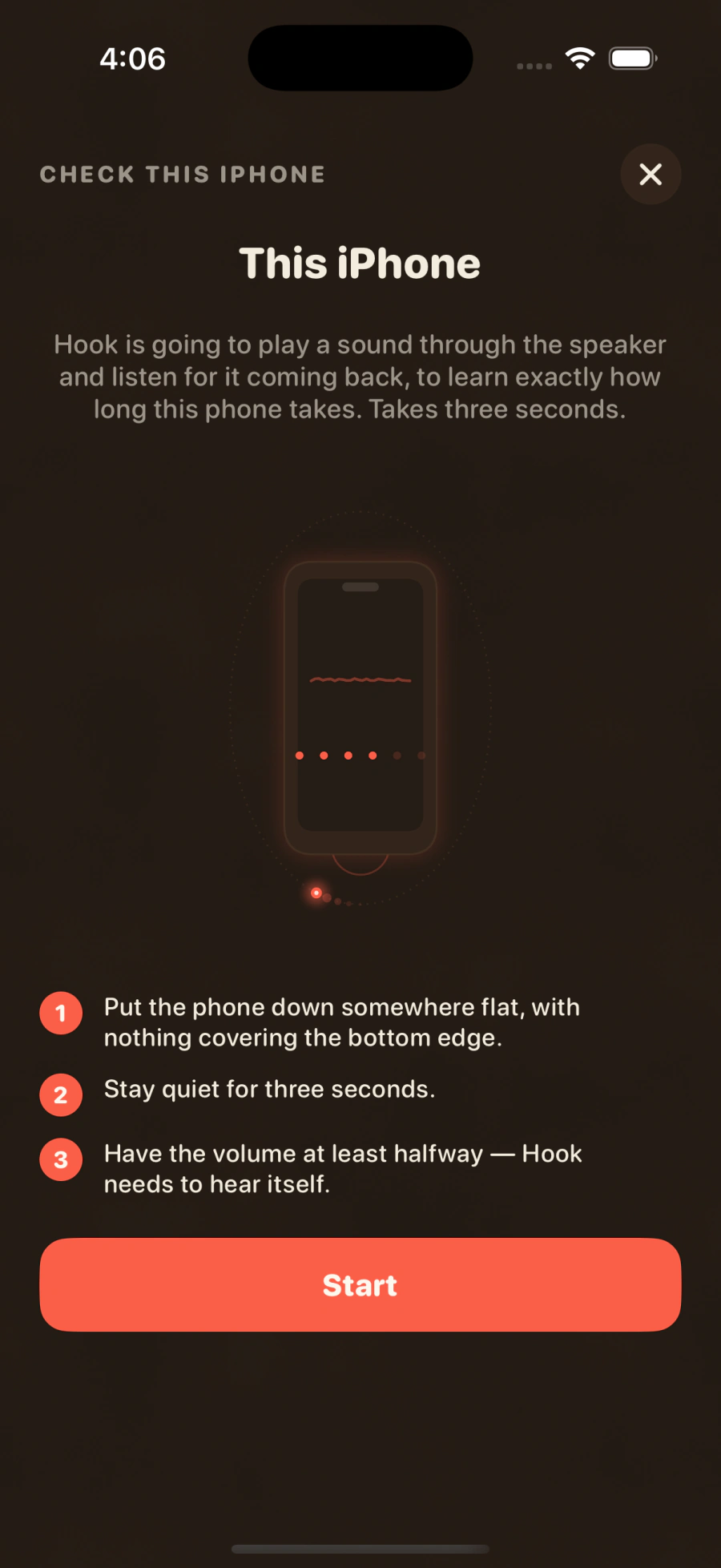
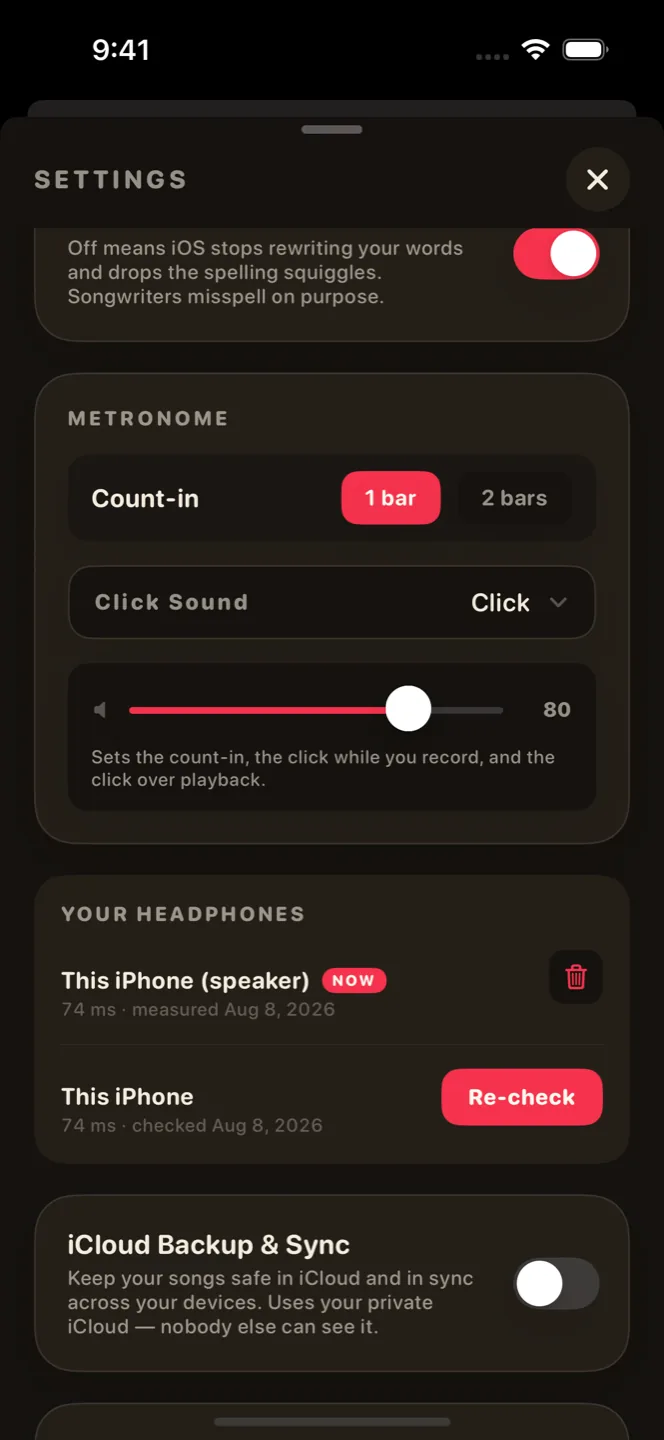
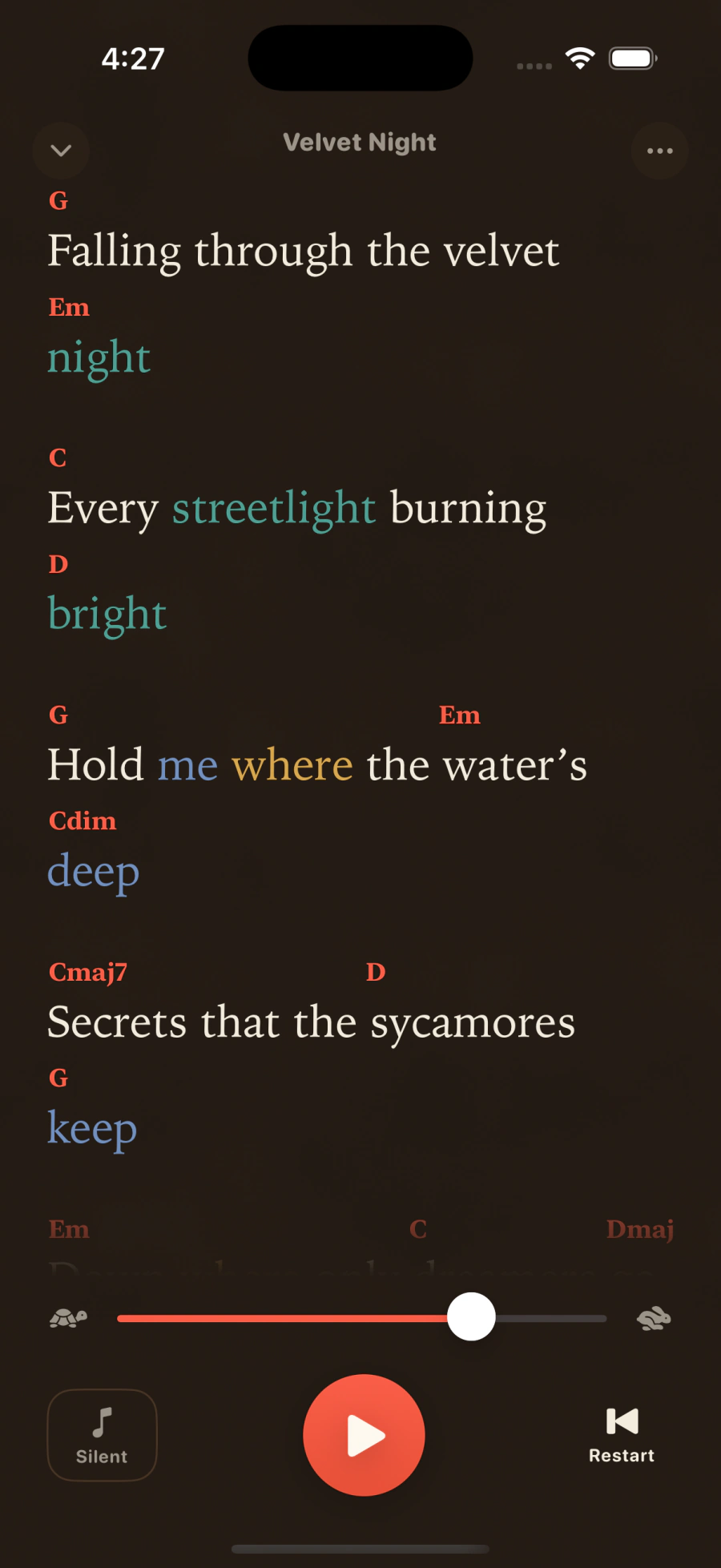
A full dark mode for the late-night sessions.
Keep it
From loop to song to stems.
Export real files
A mixed master, the stems, or a beautifully set lyrics-and-chord sheet. Off your phone and into the session.
Parts become recordings
Sketch a verse, a chorus, a bridge, then hear the whole idea back.
Private backup
Optional iCloud sync, off by default. Your recordings live in your iCloud, and nobody else can see them.
A metronome you can watch
A pulse on screen, or a flash from the torch. Keep time with the sound down.
Widgets
Start a recording from the Lock Screen (for all you ADHD queens).
Every kind of layer
The world is your soundbox, record your layers and most importantly have fun creating with it.
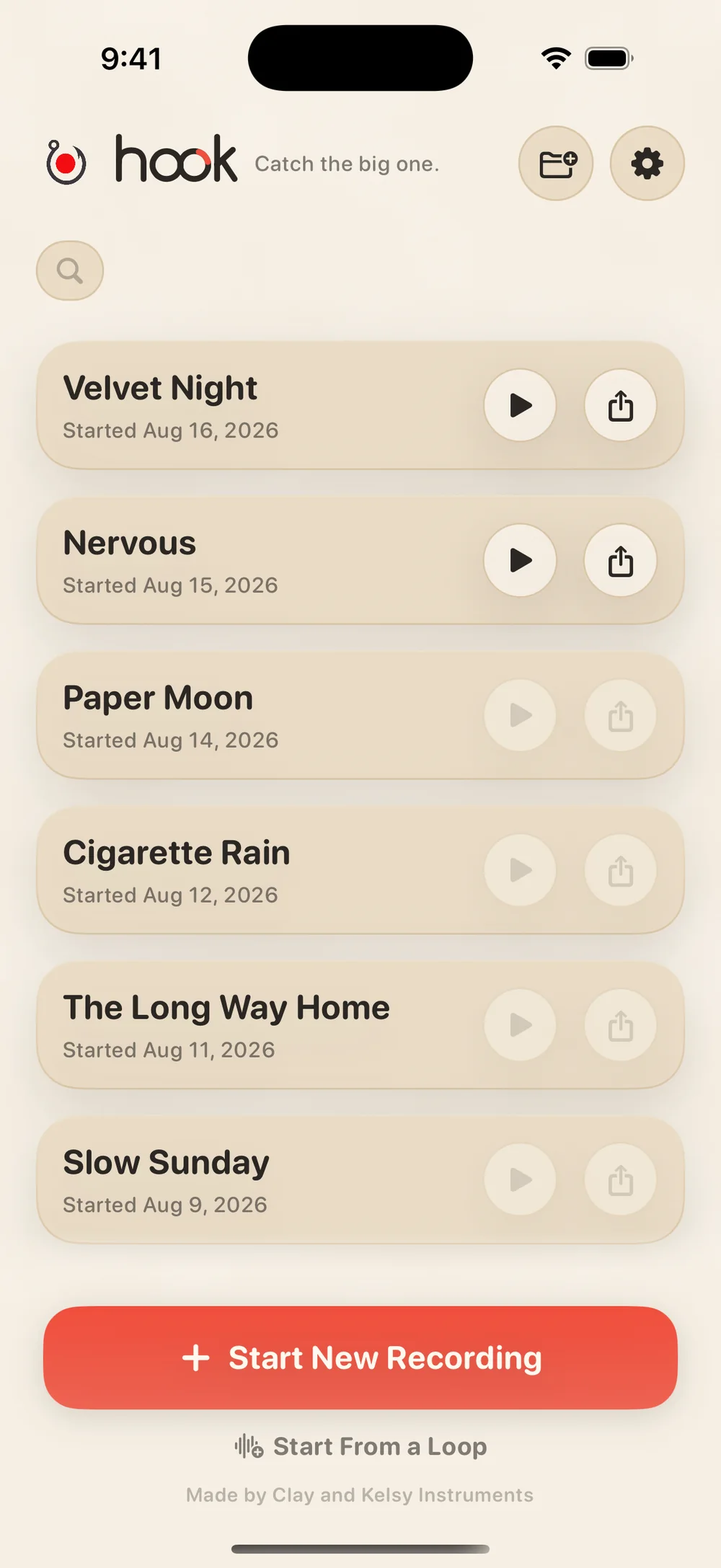
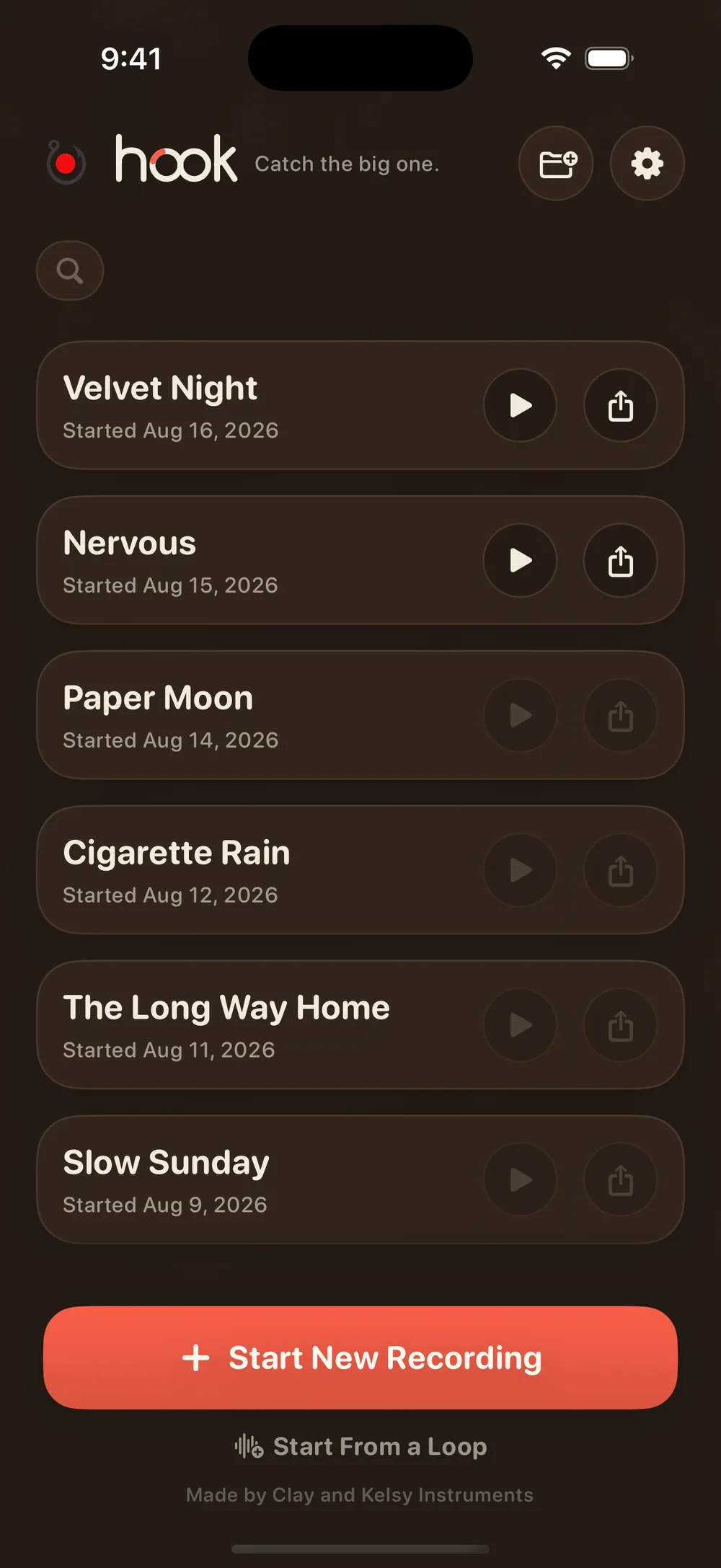
When it’s time to play it
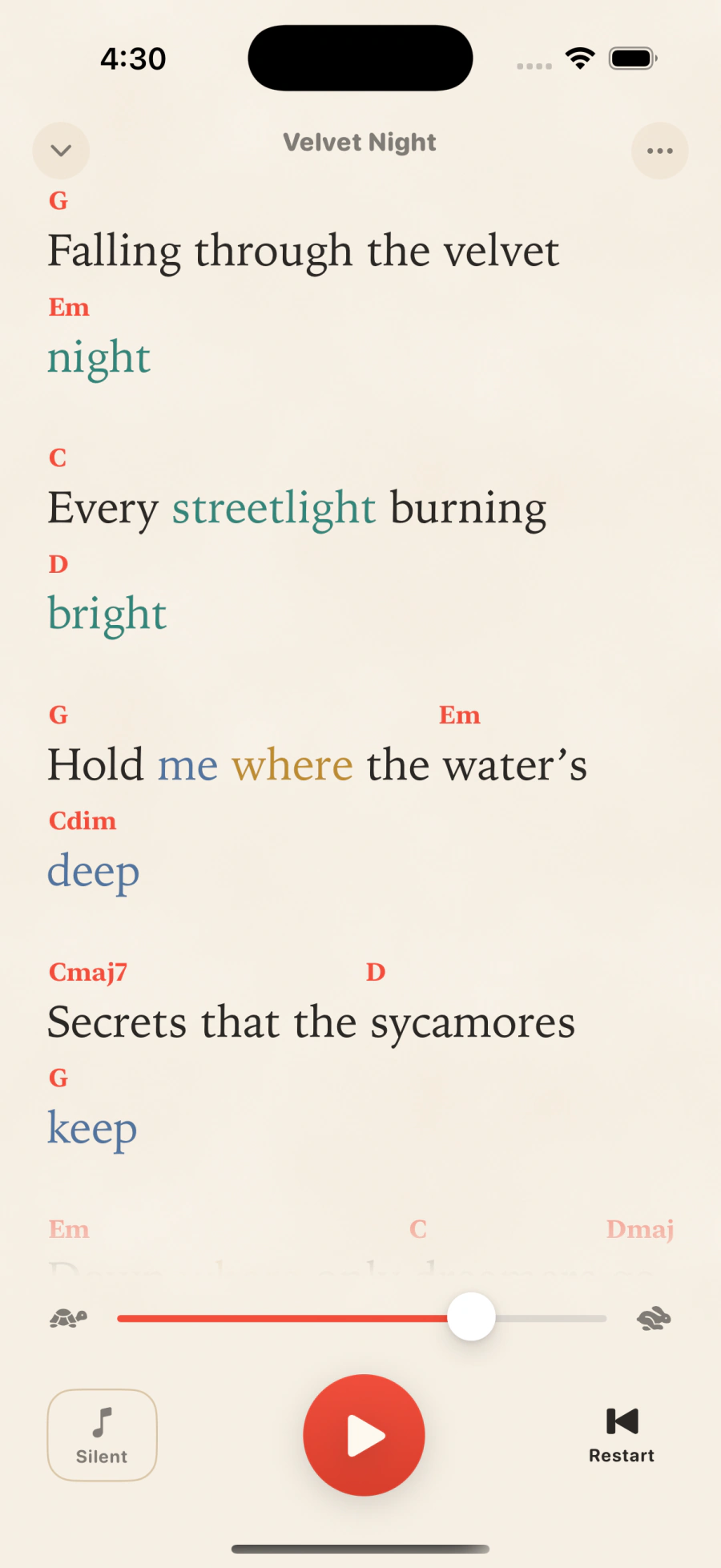
Big enough to sing from.
Tap Perform and the screen clears down to just your words — sized to read from across the room, moving at your pace while the loop plays underneath. Line up a folder and it becomes a setlist: play the whole night straight through, nothing to fumble for between songs.
In and out of the studio
Leave with a demo. Come back with your part.
Take the session with you. Pull a rough mix or the stems out of your DAW and into the app. Spend the time you need to work out the harmony, the second verse, the line that never sat right in the session. Then walk back in with your part ready to record.
PDF export
Your band will like you more.
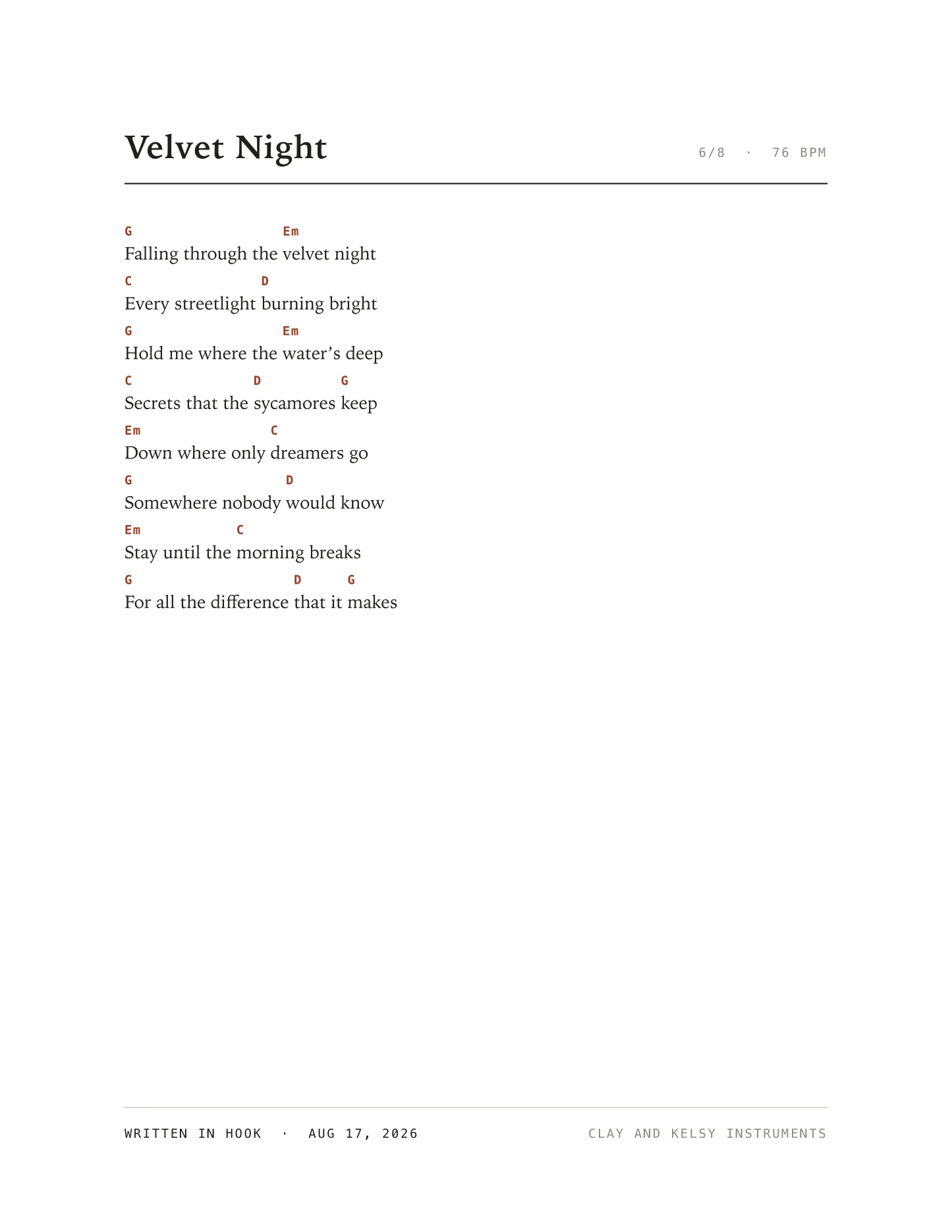
The app creates a beautiful PDF featuring your title, tempo and chords over your lyrics.
Print it and tape it to the wall. Hand it to whoever’s playing on your track. Treasure your work, because it’s worth it.
“If you want to catch the big fish, you’ve got to go deeper.”
— David Lynch
Songwriting is built to honor your creative time. Write out entire ideas in a single sitting.
— Clay & Kelsy
Songwriting is made by Clay and Kelsy Instruments — our cute little software company. We build the instruments and the tools we need to keep producing music. Our music has been streamed over 2 million times, and our instruments downloaded over 10,000 times.
Before you start
Your songs are yours.
Songwriting is made by two people, not a data company. Here’s the whole deal:
- Your recordings stay on your phone.They leave only if you switch on your own iCloud backup. Even then, we can’t hear them.
- No account. No tracking. No ads.Nothing in the app watches what you do. No analytics, no pixels, no ad kits.
- We never sell your data.We never collect it, so there’s nothing to sell.
- No tricks.No countdowns, no fake urgency, no cancel mazes. The free version stays free.
Made to honor your creative time. That’s it.
From early writers preview · placeholder quotes
I caught a whole chorus at a red light. It was still there when I got home.
Elise L. · writes in the car
The harmonies land exactly where I sang them — on my AirPods, first try.
Maya R. · topline writer
The only thing between a voice memo and a real session that doesn’t kill the mood.
Dev S. · bedroom producer
I don’t read music. The app never once made me feel like I had to.
Renée L. · singer-songwriter
Four layers deep before I noticed I was “producing.” Then it handed me a chord sheet.
Jordan K. · session singer
Took it on tour. Caught three ideas in green rooms that would’ve been gone by soundcheck.
Marcus O. · touring guitarist
Good questions
A few honest answers.
Will it work with my headphones — even Bluetooth?
Any headphones, wired or Bluetooth. The first time you use a new pair, the app plays a quick sound and listens for it to come back — so it learns exactly how much delay to cancel. After that, every layer lands right where you sang it, and it remembers each pair for next time. Nothing to set, nothing to tune.
Why can’t I hear my own vocals in my headphones?
Just like a vocal booth: once the takes start piling up and it gets hard to hear yourself, slip your headphones off one ear and keep layering. Nothing’s wrong — one ear on the mix, one on the room is how singers have tracked forever.
Do you keep or sell my recordings?
No. Your recordings stay on your phone unless you switch on your own iCloud backup, and nothing in the app watches what you do. We never collect your data, so there is nothing to sell. The whole promise is just above.
Does the app replace Ableton, or any DAW?
No — it’s the step before. It’s for catching and shaping the song while it’s still alive; when it’s ready for full production, export your masters and stems and take them into Ableton — or any DAW. It gets the song down; your DAW turns it into a record.
What it costs
Free to start. Really start.
Start free and make three recordings with everything the app can do. Want more room? $7.99 a month, or $29.99 for a year.
Free
$0forever
- Everything the app does
- Up to three recordings in your library
- No ads, no watermarks
Songwriting, wide open
$29.99a year
just $2.50 / month, billed annually
69% off vs monthly — $95.88/yr at $7.99/mo. About 8 months free.
- Unlimited recordings
- Everything we add next
Be the first to play it.
Leave your email and we’ll tell you the day it goes live — and, now and then, something else we’ve made.
Notify meNo card to start · Cancel anytime · Free forever — not a trial.
The download is free. Whatever you’re chasing, we hope you catch it.